
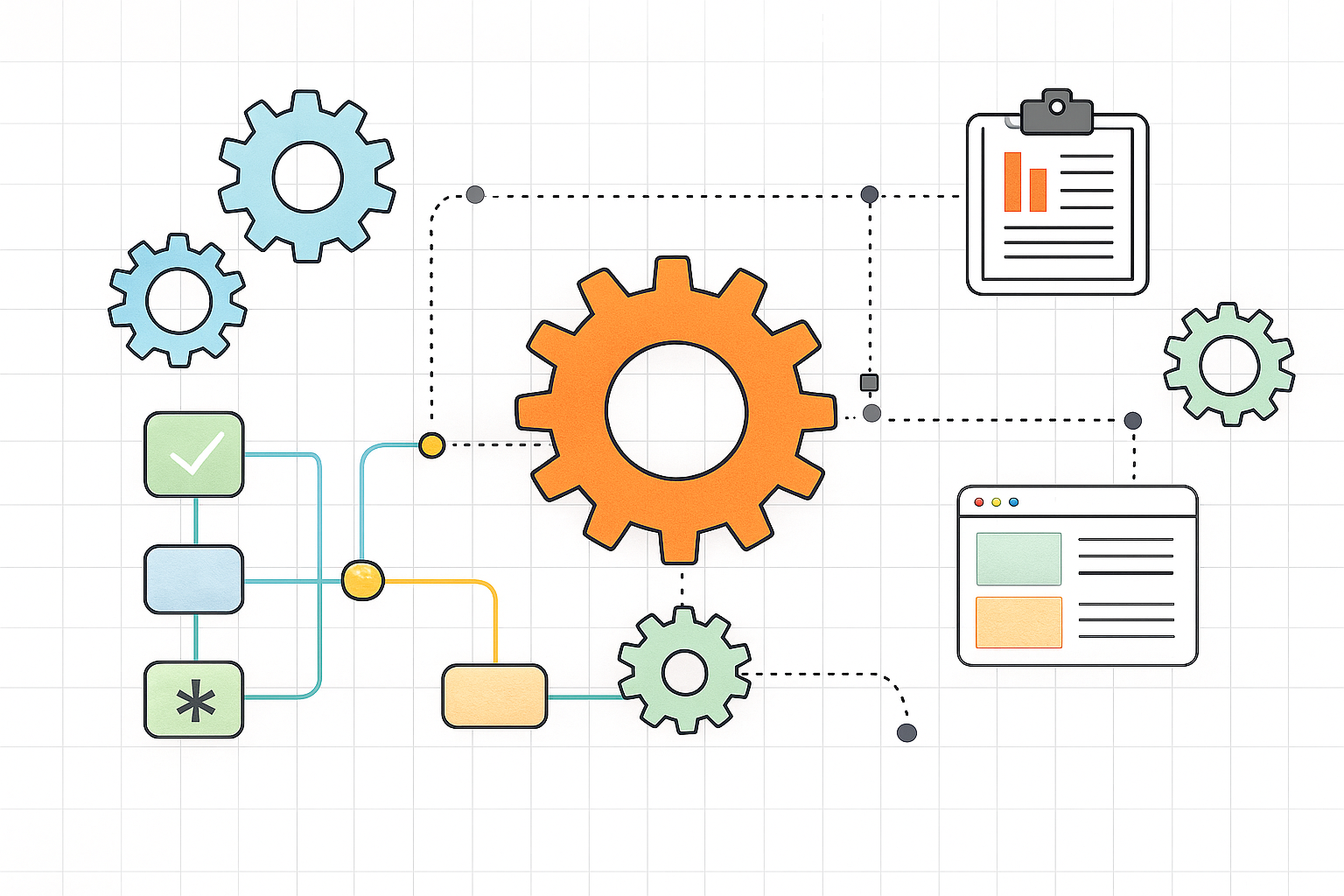
Intelligent workflows are becoming one of the most important developments in modern customer service. As businesses face rising expectations, increasing complexity, and growing support volumes, teams need more than simple automation. They need end to end intelligence built into the way work moves across systems, teams, and channels. Intelligent workflows bring structure, insight, and automation together into a unified process that improves speed, accuracy, and customer experience.
Most companies have already adopted some form of automation, yet they still struggle with silos, delays, and inconsistent operations. Intelligent workflows solve this gap by connecting data, decision logic, and automation components into a continuous flow that adapts in real time. These workflows ensure that tasks are handled the right way, at the right moment, by the right system or agent.
This article explains what intelligent workflows are, how they work, and why they are becoming essential for customer service teams that want to operate at scale.
What Intelligent Workflows Really Mean
Intelligent workflows combine automation with real time decision making. Instead of a static process, an intelligent workflow analyses data at every step and adapts the path accordingly. This means the workflow can route tasks, choose priorities, escalate issues, or resolve cases automatically based on context.
Examples include:
• Routing tickets based on sentiment and urgency
• Triggering automations when customer data matches a pattern
• Predicting when a case requires human intervention
• Automating repetitive tasks while allowing agents to focus on exceptions
• Using AI models to classify, summarize, or resolve issues
These workflows help teams handle large amounts of work without compromising quality.
Why Intelligent Workflows Matter in Customer Service
Customer service has become more complex than ever. Customers expect fast responses, seamless experiences, and proactive communication. Meanwhile, support teams often face:
• High ticket volumes
• Multiple communication channels
• Growing product complexity
• Data fragmentation across tools
• Rising expectations for personalization
Intelligent workflows solve these challenges by orchestrating tasks intelligently, eliminating manual bottlenecks, and ensuring that every interaction moves smoothly from start to finish.
Intelligent Workflows vs Traditional Automation
Traditional automation performs predefined tasks but struggles with exceptions, complex conditions, or real time decisions. Intelligent workflows, however, are dynamic. They adapt based on data, customer behavior, sentiment, and operational rules.
Here is how they differ:
Traditional automation
• Follows fixed scripts
• Little flexibility
• Cannot adjust to new conditions
• Limited visibility
• Requires frequent manual intervention
Intelligent workflows
• Adapt based on context
• Route tasks intelligently
• Identify patterns automatically
• Reduce manual effort dramatically
• Provide real time operational insight
This difference makes intelligent workflows particularly valuable for customer service environments where every ticket can be different.
How Intelligent Workflows Improve Customer Service
Below are seven ways intelligent workflows transform customer service operations and create measurable efficiency.
1. Faster ticket resolution
Intelligent workflows automate the first steps in ticket handling, including classification, data extraction, and routing. This gets issues to the right place faster and reduces wait times.
2. Improved accuracy
AI based decision models identify issues more accurately than manual triage. This improves resolution rates and reduces agent errors.
3. Smarter prioritization
Workflows can weigh factors such as sentiment, urgency, customer value, and SLA commitments. This ensures that critical issues are handled first.
4. Better agent productivity
Agents spend less time on repetitive tasks because the workflow automates classification, updates, and background actions. This empowers agents to focus on complex cases that require human empathy and reasoning.
5. Proactive service
Intelligent workflows detect trends such as product failures, repeated complaints, or high sentiment drops. They can trigger proactive communication or escalate issues to prevent customer dissatisfaction.
6. Reduced cost to serve
By automating high volume tasks, customer service teams reduce the need for large operational teams. This cuts costs without sacrificing quality.
7. Consistent customer experiences
Intelligent workflows create reliability by ensuring processes happen the same way every time. This reduces variation and improves brand trust.
These benefits explain why more companies are shifting away from simple automation and moving toward a deeper intelligent workflow model.
Real Examples of Intelligent Workflows
Here are practical examples of intelligent workflows inside customer service operations.
Support ticket triage
AI reads incoming messages, identifies issues, applies tags, and routes them based on urgency and context.
Automated refunds
If conditions match predefined rules, workflows can initiate refunds automatically and update accounting systems.
Agent assist workflows
During customer conversations, machine learning models surface knowledge articles, suggest answers, and provide insights that help agents respond faster.
Customer onboarding
Workflows automatically trigger tasks, send documents, verify data, and guide customers through key steps.
Compliance monitoring
Intelligent workflows monitor interactions for regulated content, flag violations, and ensure required disclosures are provided.
These examples show how intelligent workflows touch nearly every part of customer service.
The Importance of Data in Intelligent Workflows
Intelligent workflows rely on data from many sources. The more connected the data environment is, the more powerful the workflows become.
Key data sources include:
• CRM profiles
• Transaction history
• Product usage
• Communication logs
• Knowledge articles
• Sentiment analysis
• Ticket metadata
This data helps workflows make decisions with high accuracy.
How AI Powers Intelligent Workflows
Artificial intelligence enhances workflows in several ways:
Classification
AI determines what each ticket or request is about.
Prediction
Models forecast resolution time, escalation risk, or customer satisfaction outcomes.
Summarization
AI reduces long messages into structured summaries.
Recommendation
AI surfaces next best actions or suggests workflow steps.
Anomaly detection
Models detect unusual patterns that indicate system failures or churn risk.
Together, these capabilities allow workflows to operate more intelligently.
Using Intelligent Workflows for Omnichannel Support
Customers now interact through email, chat, phone, portals, and social media. Intelligent workflows unify these channels by bringing all data into a single operational layer. This means agents no longer need to switch tools or guess where a ticket came from. The workflow manages it automatically.
This unified approach results in:
• Fewer customer handoffs
• Faster response times
• More personalized service
• Better data consistency
• Improved reporting
Omnichannel efficiency is one of the strongest reasons to adopt intelligent workflows. Learn More
Cuber AI uses intelligent workflows as part of its automation first support model. Learn more
How to Start Implementing Intelligent Workflows
Here are steps for adopting intelligent workflows within your customer service organization.
Step 1: Map your existing processes
Identify which workflows slow down your team or rely heavily on manual work.
Step 2: Connect your data
Integrate CRM, communication channels, and product systems into a unified layer.
Step 3: Introduce automation
Start with repetitive steps such as sorting, tagging, and updating records.
Step 4: Add AI for decision making
Use models to classify tickets, predict risk, and support prioritization.
Step 5: Build exceptions for human review
Workflows should escalate complex cases automatically.
Step 6: Test and refine continuously
Monitor performance, track improvements, and tune logic regularly.
These steps help organizations transition smoothly from manual operations to intelligent workflows.
Final Thoughts
Intelligent workflows are redefining how customer service teams operate. They transform disconnected tasks into a unified, optimized process that is fast, accurate, and predictive. Companies that adopt intelligent workflows now will benefit from lower costs, smarter operations, and significantly better customer experiences.
The future of customer service will belong to organizations that combine automation, AI, and end to end workflow intelligence. Intelligent workflows make that future possible today.